Follow these simple steps to purchase the apna Unlimited Plan:
Log in to your account: Visit employer.apna.co and log in to your account.
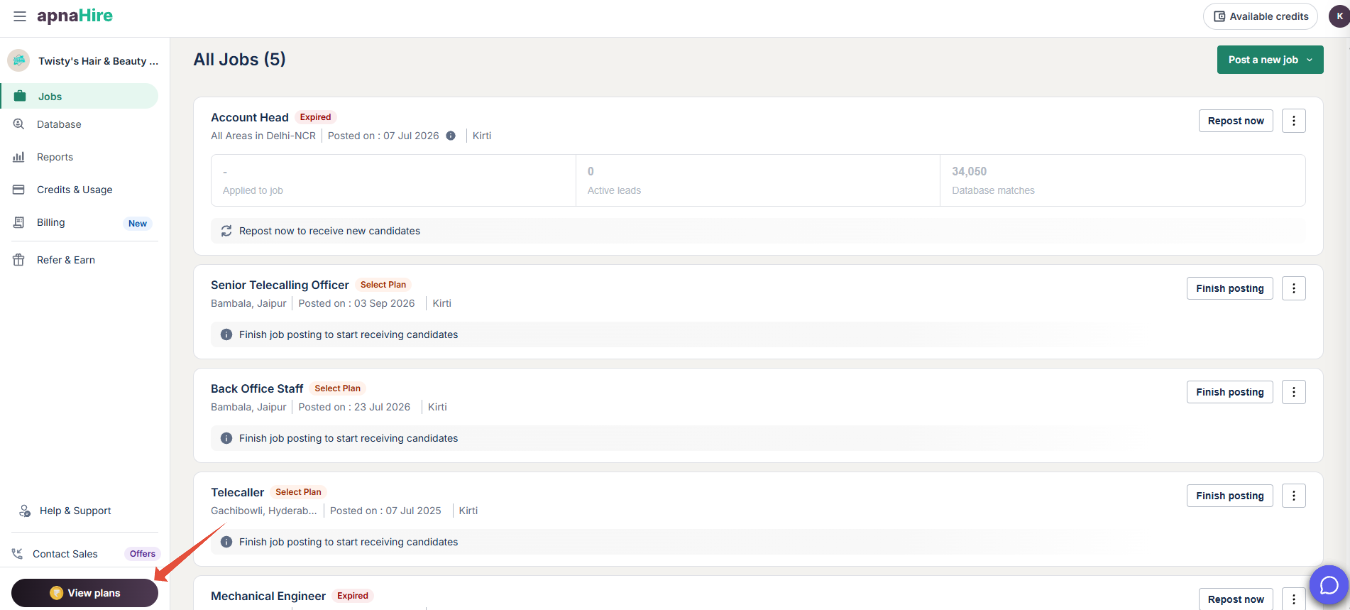
Choose Your Plan:
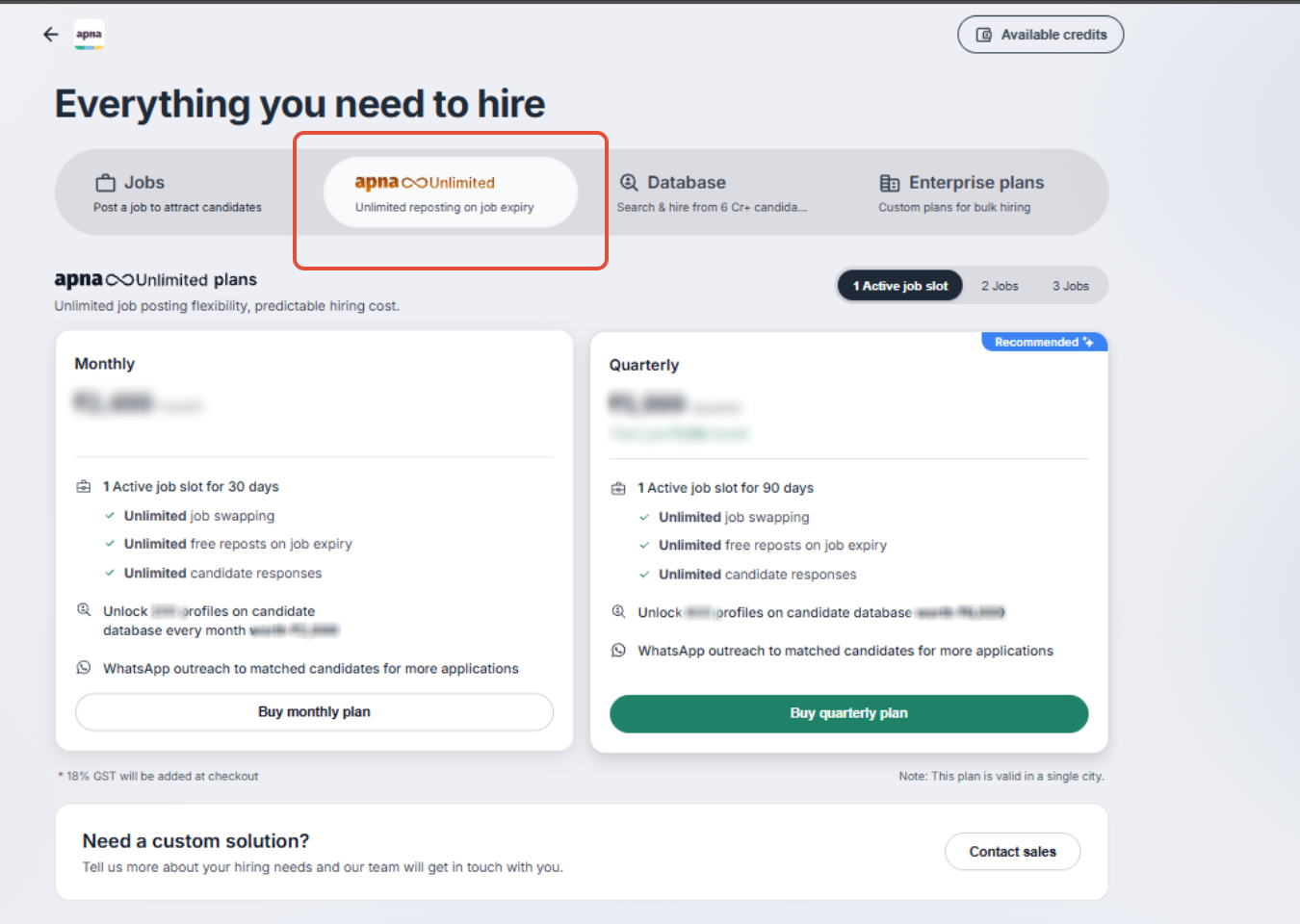
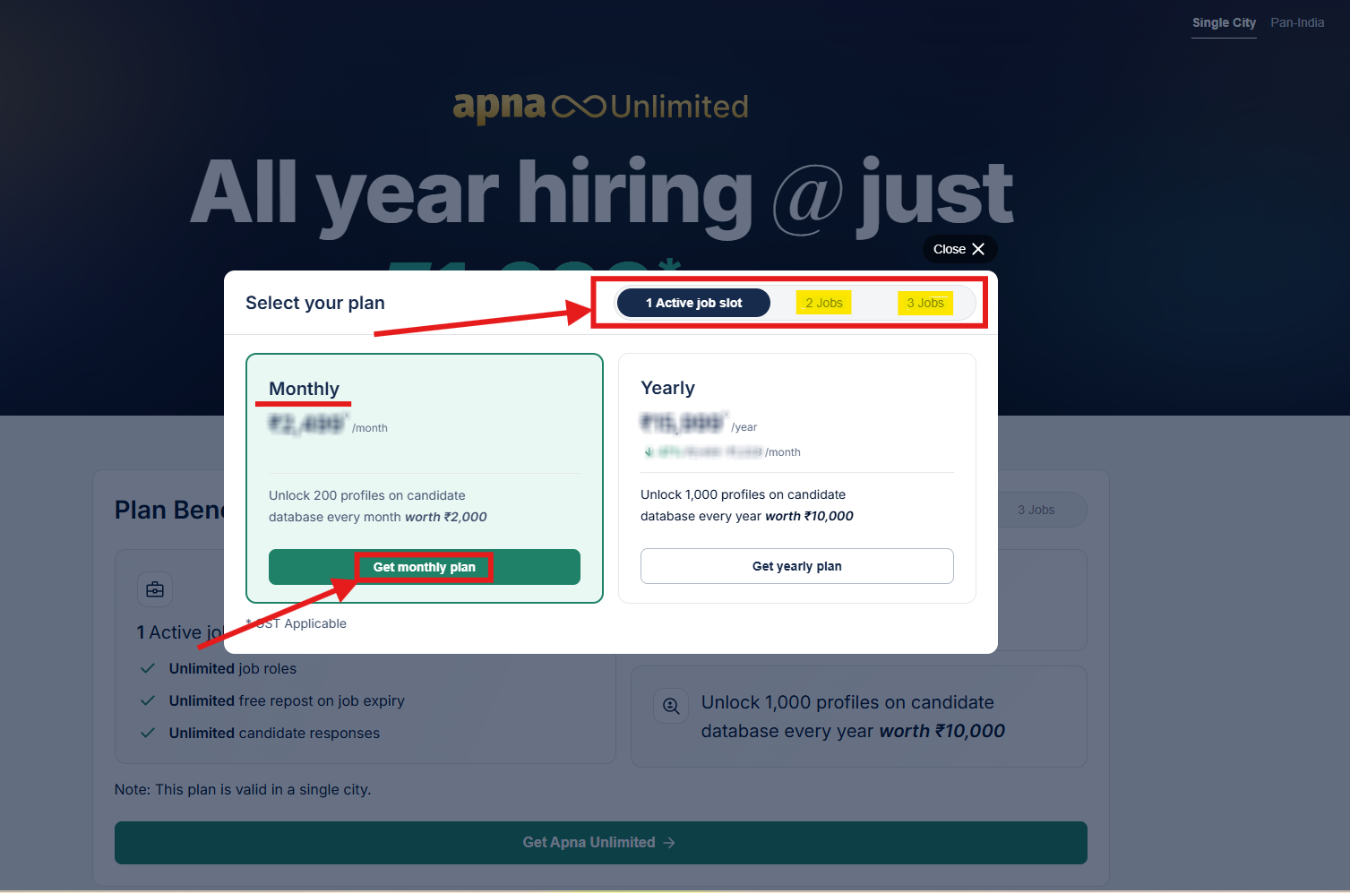
- Under Single City, you can select either the Monthly Plan or the Annual Plan based on your hiring requirements. You can also explore Custom Plans for more flexibility.
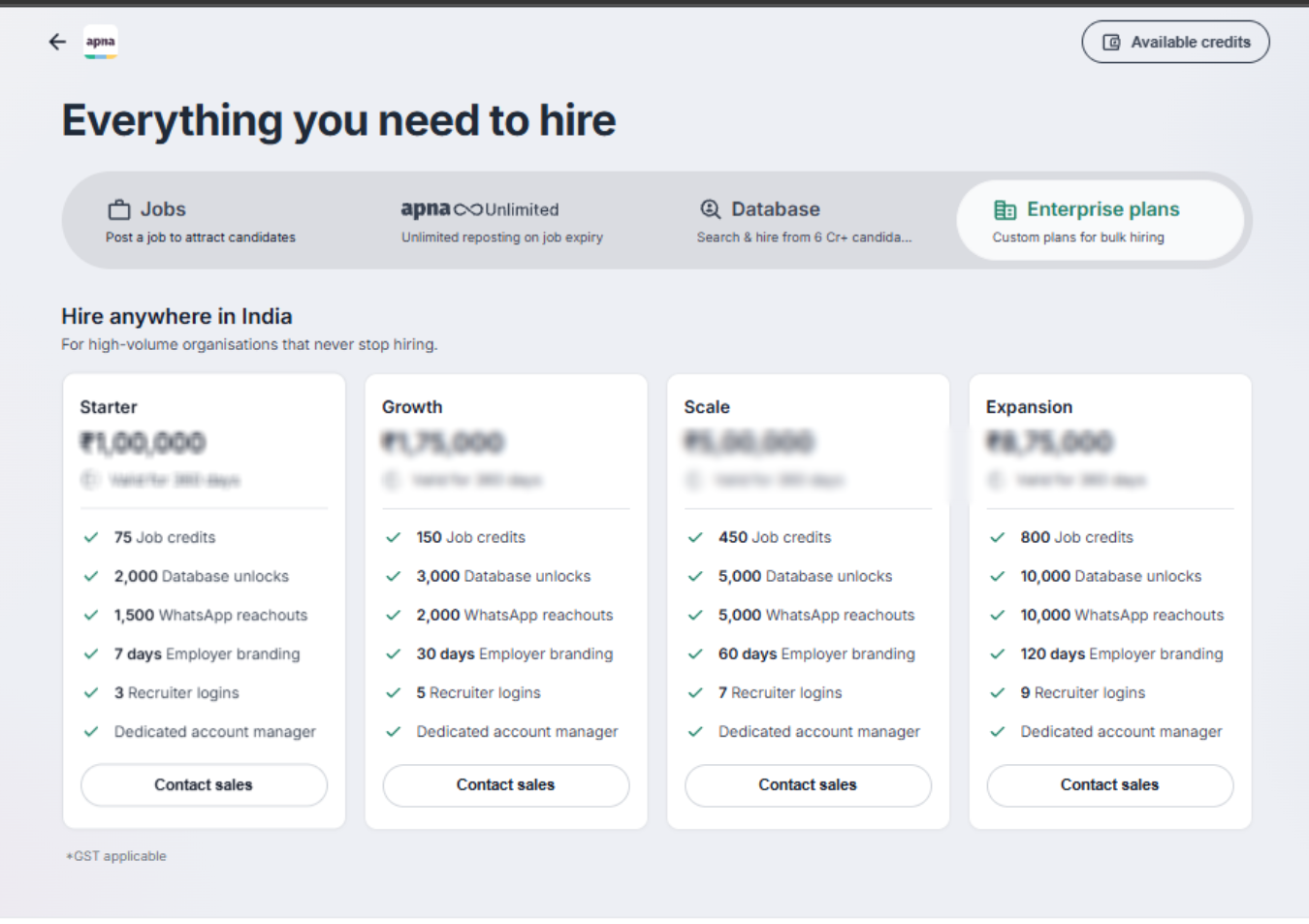
- If you want to post job listings across PAN India, you can select the recommended plan. Our Sales team will then reach out to you for further assistance.
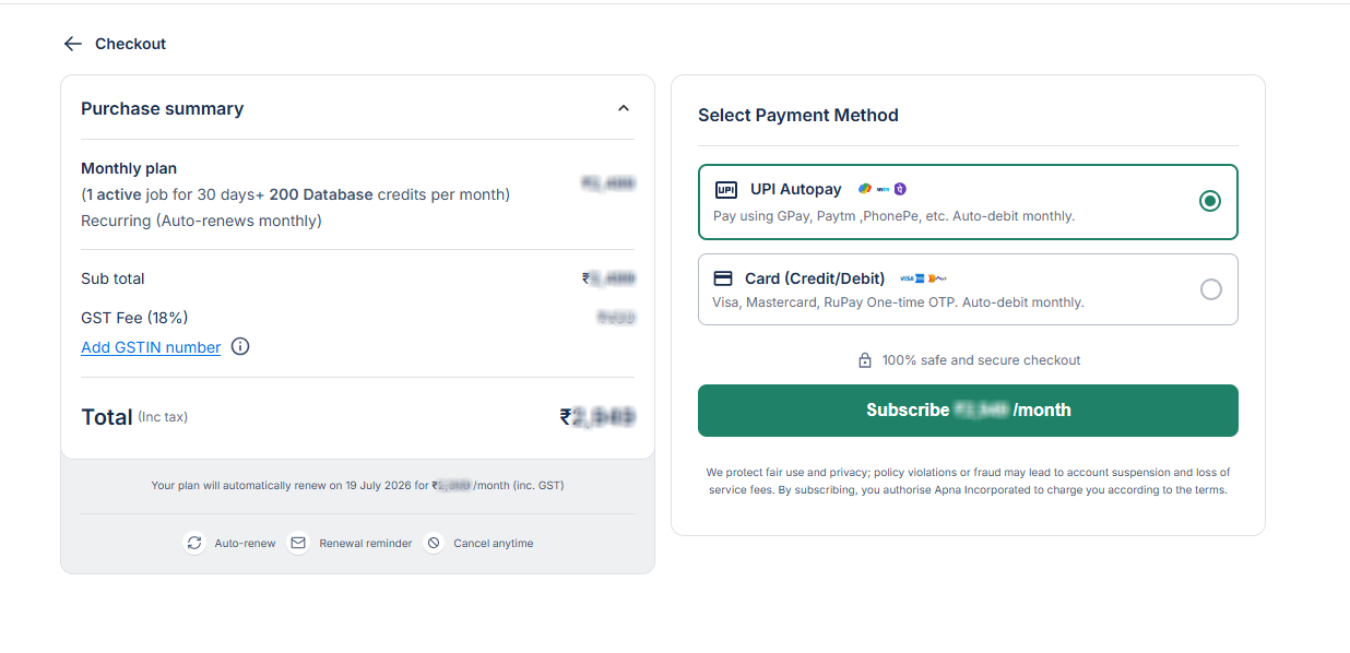
Proceed to Checkout: Once you’ve selected your plan (Monthly or Annual) under Single City, you will be redirected to the Checkout Page.
- Make Payment: Complete your payment to get the plan added to your account. You can make the payment via UPI Autopay, Debit/Credit Card, or Net Banking.
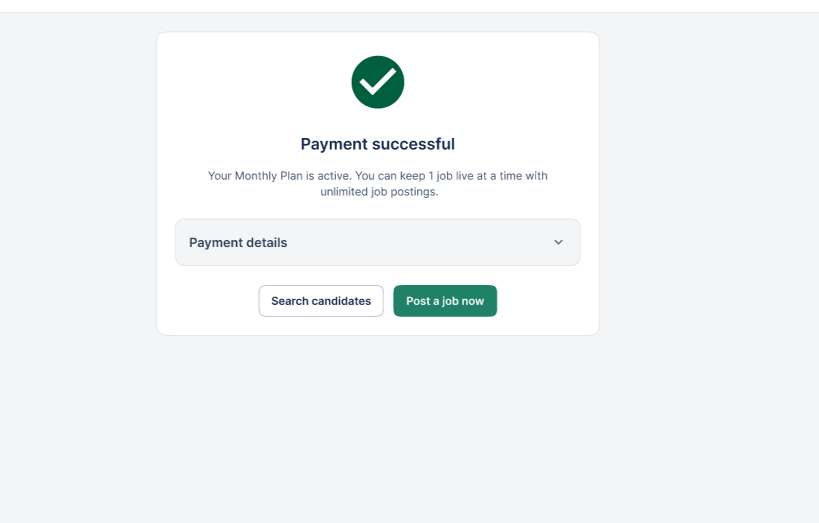
Once payment is successful, you’ll have access to your apna Unlimited Plan and can start posting your jobs immediately!
Was this article helpful?
That’s Great!
Thank you for your feedback
Sorry! We couldn't be helpful
Thank you for your feedback
Feedback sent
We appreciate your effort and will try to fix the article