To upgrade your apna Unlimited plan, follow a few simple steps:
Log in to Your Account: Visit employer.apna.co and log in to your account.
Navigate to Plan & Usage: Go to the “Plan & Usage” section from your dashboard.
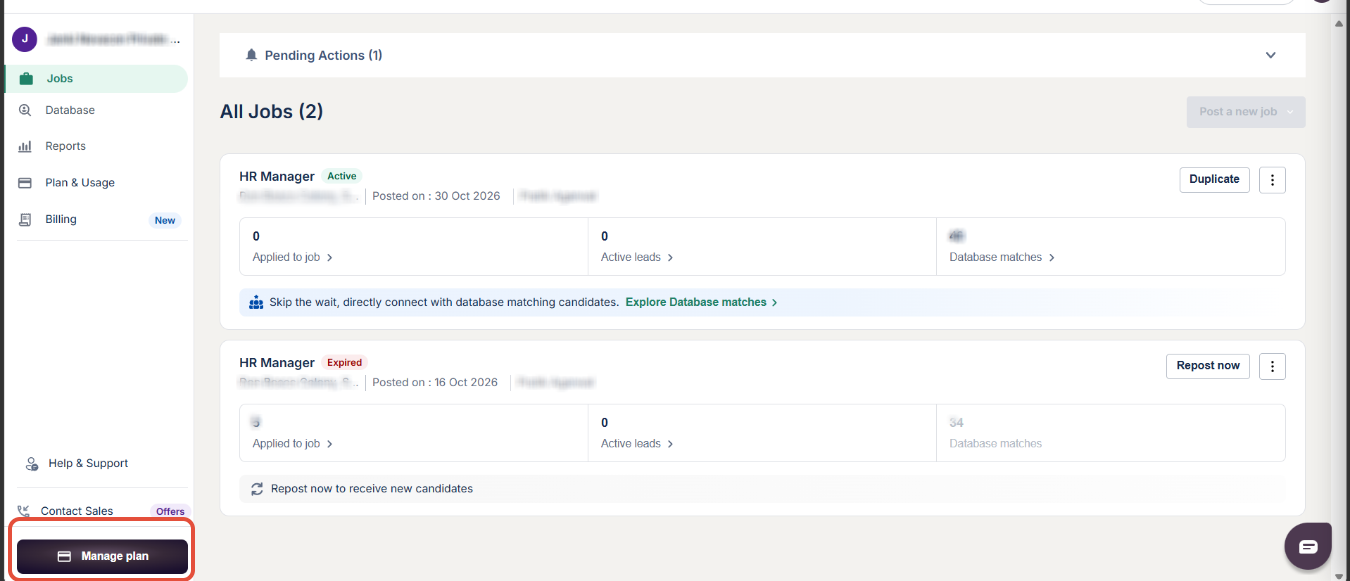
Select Upgrade Plan: Click on “Upgrade Plan”.
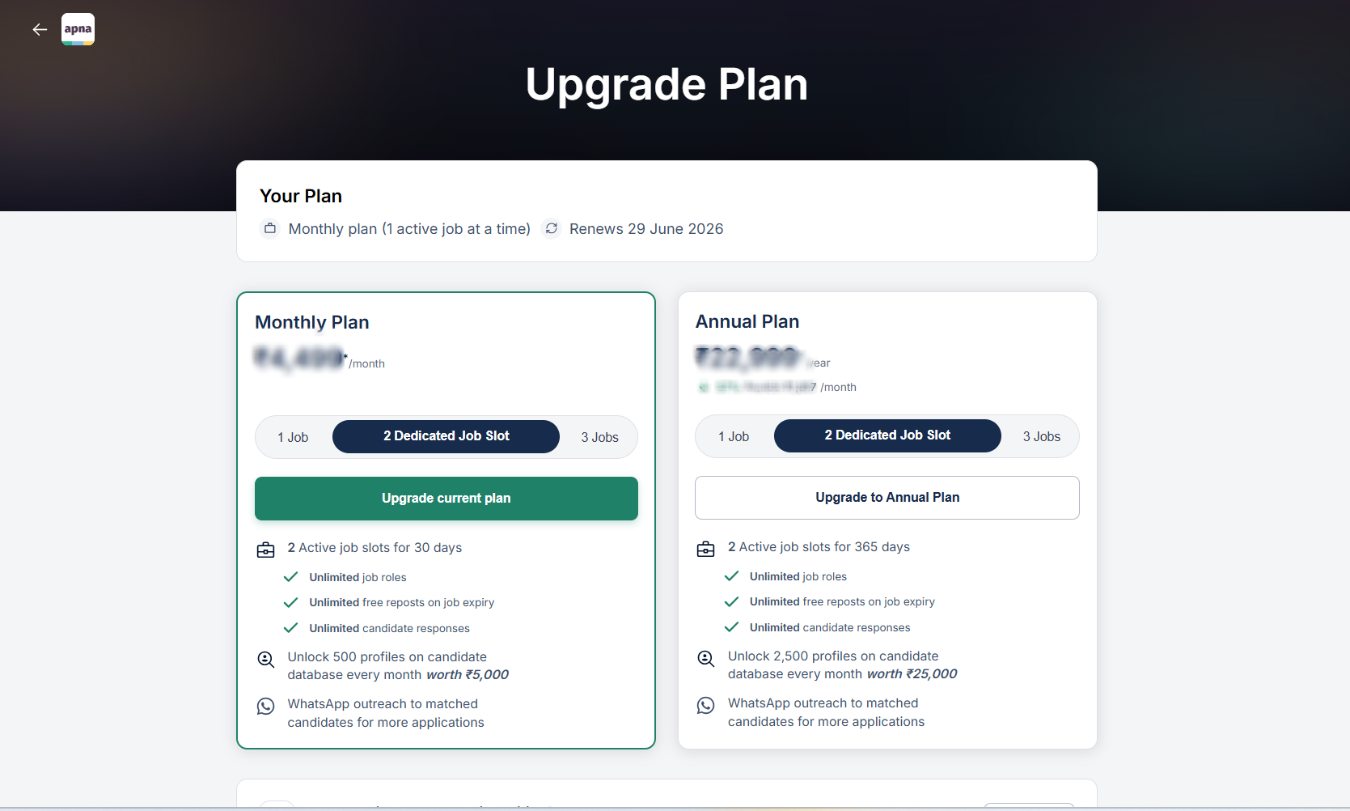
- Choose and Pay: Select your preferred plan and complete the payment.
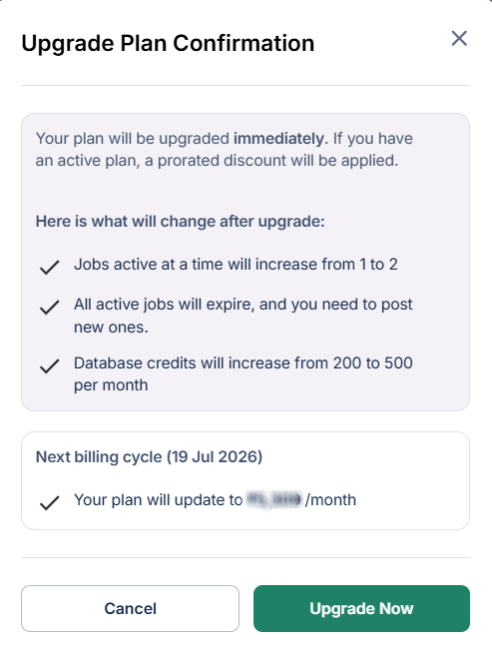
Important InformationYour upgraded plan is activated instantly after successful payment.
The amount charged is pro-rated, based on the remaining duration of your current plan.
? Example:
If you are on a 1 active job plan and upgrade to a 2 active jobs plan, you will only pay the difference amount adjusted for the remaining validity of your current plan.
Was this article helpful?
That’s Great!
Thank you for your feedback
Sorry! We couldn't be helpful
Thank you for your feedback
Feedback sent
We appreciate your effort and will try to fix the article